
Guide to downloading the vin777 app detailed and quick
If you are looking for a guide to downloading the vin777 app detailed and quick, this article will provide all the necessary steps so you can easily install and experience the app on your phone. Downloading the vin777 app not only helps you access faster but also receive many attractive offers from the publisher.
The vin777 app is designed to be optimized for both Android and iOS platforms, delivering a smooth gaming experience, a user-friendly interface, and high security. Below are the preparation steps and the most detailed installation method to help you quickly get the vin777 app on your device.
See the app download guide now vin777 to enjoy a fast and convenient experience on your phone.
See the detailed and quick vin777 app download guide at x8 to enjoy great convenience.
System requirements for downloading the vin777 app
To download the vin777 app and use it smoothly, you need to make sure your device meets the minimum requirements below:
- Android 5.0 or later, or iOS 11.0 or later.
- At least 100MB of free storage to install and run the app.
- A stable internet connection via Wi-Fi or 4G/5G mobile network.
- Allow app installation from unknown sources (for Android).
In addition, to ensure the best performance when using the vin777 app, you should update your device's operating system to the latest version and turn off unnecessary background apps. This helps avoid lag or errors when accessing features in the app.
You should also check the battery level and make sure the device has enough power during the download and installation process to avoid unwanted interruptions. Careful preparation helps the vin777 app download process go faster and safer.
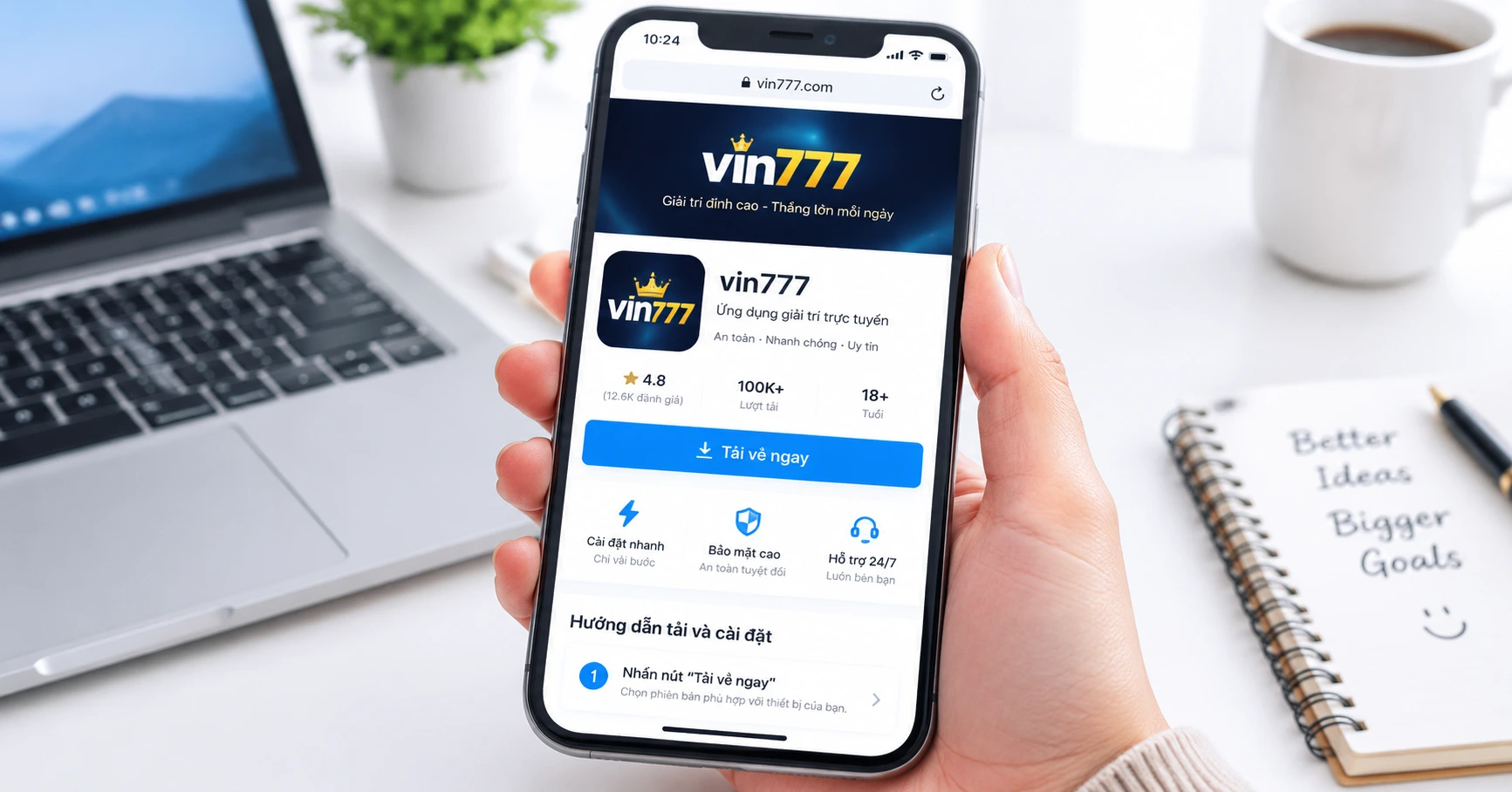
How to install the vin777 app on Android and iOS phones
Download the vin777 app for Android
- Visit the official website vin777 .com.
- Select the download app section, then choose the Android version.
- Allow installation from unknown sources in your phone settings.
- Open the downloaded APK file and proceed with the installation.
- Open the app and log in to your account to get started.
The process of installing the vin777 app on Android may require you to grant access to some device features such as storage and location for the app to work effectively. Please read the permission requests carefully before agreeing to protect your privacy.
Download the vin777 app for iOS
- Visit the page vin777 .com using the Safari browser.
- Choose to download the iOS app, then follow the configuration installation instructions.
- Confirm trust in the developer in the device settings.
- Open the app and log in to use it.
For iOS users, downloading the vin777 app requires you to install a trust profile so the app can work stably. Make sure to follow the steps correctly to avoid errors where the app cannot open or is blocked by the iOS security system.
Also, you should carefully check your device's iOS version to ensure compatibility with the vin777 app, avoiding cases where it cannot be downloaded or used because the operating system version is too old.
Important notes when download the vin777 app
- Always download the app from the official site to ensure safety and avoid scams.
- Carefully check the app version that suits your device.
- Do not share account information with others for security.
- Update the app regularly